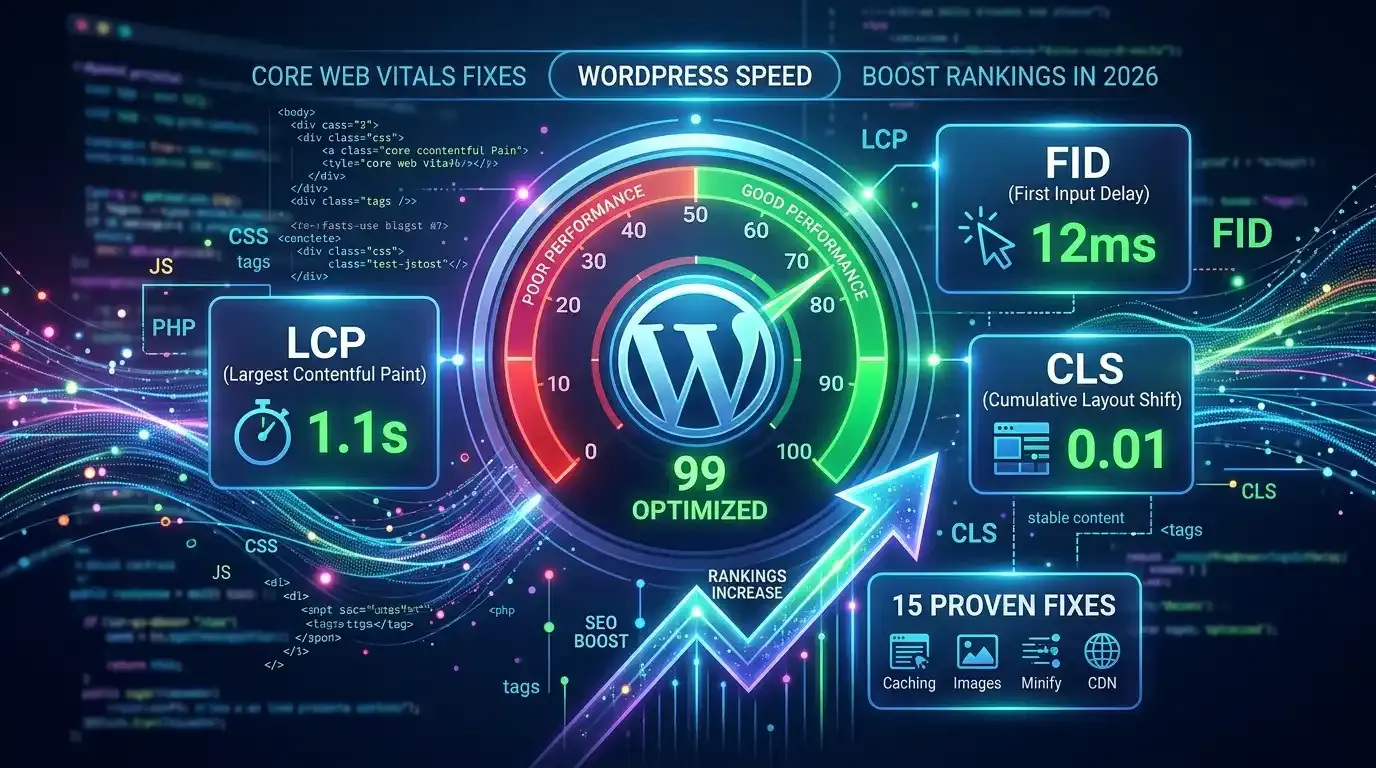
If you want better rankings and faster loading pages, learning how to improve Core Web Vitals WordPress is essential. Google uses Core Web Vitals to measure real user experience, including speed, stability, and responsiveness.
A poor core web vitals score can reduce rankings even if your content is high quality. That’s why optimization is now a key part of modern SEO. To understand how speed fits into the bigger ranking picture, see the full guide on the power of SEO in 2026.

What Are Core Web Vitals and Why Google Uses Them as a Ranking Factor
Core Web Vitals are performance metrics Google uses to measure user experience on websites.
They focus on:
- Loading speed
- Visual stability
- Interactivity
Google uses these signals because users prefer fast and stable websites. A slow or unstable site increases bounce rates and reduces engagement.
Tools like Google PageSpeed Insights help measure performance and suggest improvements.
The Three Core Web Vitals Explained

LCP (Largest Contentful Paint) – What It Is and How to Fix It
LCP measures how fast the largest visible element loads (usually images, banners, or headings).
A good LCP score is under 2.5 seconds.
Top Causes of Slow LCP on WordPress Sites
- Large uncompressed images
- Slow server response time (TTFB issues)
- Render-blocking CSS/JS
- No CDN usage
- Poor hosting performance
LCP Fix WordPress Techniques
- Use image compression SEO tools
- Enable lazy loading images WordPress feature
- Upgrade hosting or server
- Use CDN for WordPress like Cloudflare
- Remove unnecessary plugins
CLS (Cumulative Layout Shift) – Why Your Page Jumps Around
CLS measures unexpected layout shifts while the page loads.
Cumulative Layout Shift Causes
- Images without defined dimensions
- Ads loading late
- Fonts causing layout changes
- Dynamic content injection
How to Find and Fix CLS Issues
- Always set width/height for images
- Reserve space for ads
- Use stable web fonts
- Avoid injecting elements above content
Fixing CLS improves readability and user experience significantly.
INP (Interaction to Next Paint) – The Newest Metric
INP measures how fast your site responds to user actions like clicks and taps.
How INP Replaced FID and What It Means for You
INP replaced First Input Delay (FID) because it measures overall responsiveness, not just the first interaction.
Poor INP is usually caused by:
- Heavy JavaScript
- Slow theme scripts
- Too many third-party plugins
INP Optimization Guide
- Reduce JavaScript execution time
- Minify scripts
- Defer non-critical JS
- Use lightweight themes
How to Check Your Core Web Vitals Score
You can measure performance using:
- Google Search Console
- PageSpeed Insights
- Lighthouse reports
For a full diagnostic process, follow this technical SEO audit step by step in 2026, which covers performance checks alongside crawl and indexing reviews.
Google Search Console vs PageSpeed Insights – Which to Trust?
- Search Console = real user data (field data)
- PageSpeed Insights = lab + field simulation
Both are important, but Search Console reflects real-world performance.
How to Improve Core Web Vitals on WordPress

Best Caching Plugins for Core Web Vitals
Caching is one of the fastest ways to improve speed.
Popular plugins include:
WP Rocket Settings for Speed
- Enable page caching
- Minify CSS/JS
- Delay JavaScript execution
- Activate lazy load images WordPress
Image Optimization Without Losing Quality

Images are the biggest performance bottleneck.
Best practices:
- Compress images before upload
- Use WebP format
- Enable lazy loading
- Resize images properly
Image Compression SEO Impact
Optimized images improve LCP and reduce bandwidth usage.
Font Loading and Render-Blocking JavaScript
Render-blocking resources slow down page rendering.
Fix it by:
- Preloading important fonts
- Using font-display: swap
- Deferring JavaScript execution
- Removing unused CSS
TTFB Optimization and Server Speed
TTFB (Time to First Byte) measures server response speed.
To improve it:
- Use high-quality hosting
- Enable server caching
- Use CDN for WordPress (Cloudflare)
- Optimize database queries
CDN for WordPress Performance Boost
A CDN distributes your content globally to reduce loading time.
Cloudflare WordPress CDN Setup is one of the most popular options.
Benefits:
- Faster global delivery
- Reduced server load
- Better LCP performance
Once your performance is optimized, the next step is helping Google understand your content. Learn how to add schema markup to WordPress for rich result eligibility.
Common Core Web Vitals Mistakes in WordPress

Many websites fail CWV due to:
- Heavy themes with bloated code
- Too many plugins
- Unoptimized images
- No caching system
- Poor hosting infrastructure
- Ignoring mobile performance
Fixing these can dramatically improve your core web vitals score.
FAQs
Do core web vitals directly affect Google rankings?
What is a good core web vitals score?
- LCP: under 2.5s
- CLS: below 0.1
- INP: under 200ms
How long does it take to see improvement after fixing CWV?
Does WP Rocket improve Core Web Vitals?
Is Cloudflare enough for good PageSpeed scores?
Conclusion
Improving how to improve Core Web Vitals WordPress is one of the most effective ways to boost SEO performance in 2026. By optimizing LCP, CLS, and INP, using caching plugins like WP Rocket, fixing render-blocking resources, and implementing a CDN like Cloudflare, you can significantly improve your site speed and rankings.
Core Web Vitals are no longer optional, they are essential for modern WordPress SEO success.